
Saves and characters
Load character presets, capture progression saves, and edit character values with backups.
Unofficial Half Sword mod manager
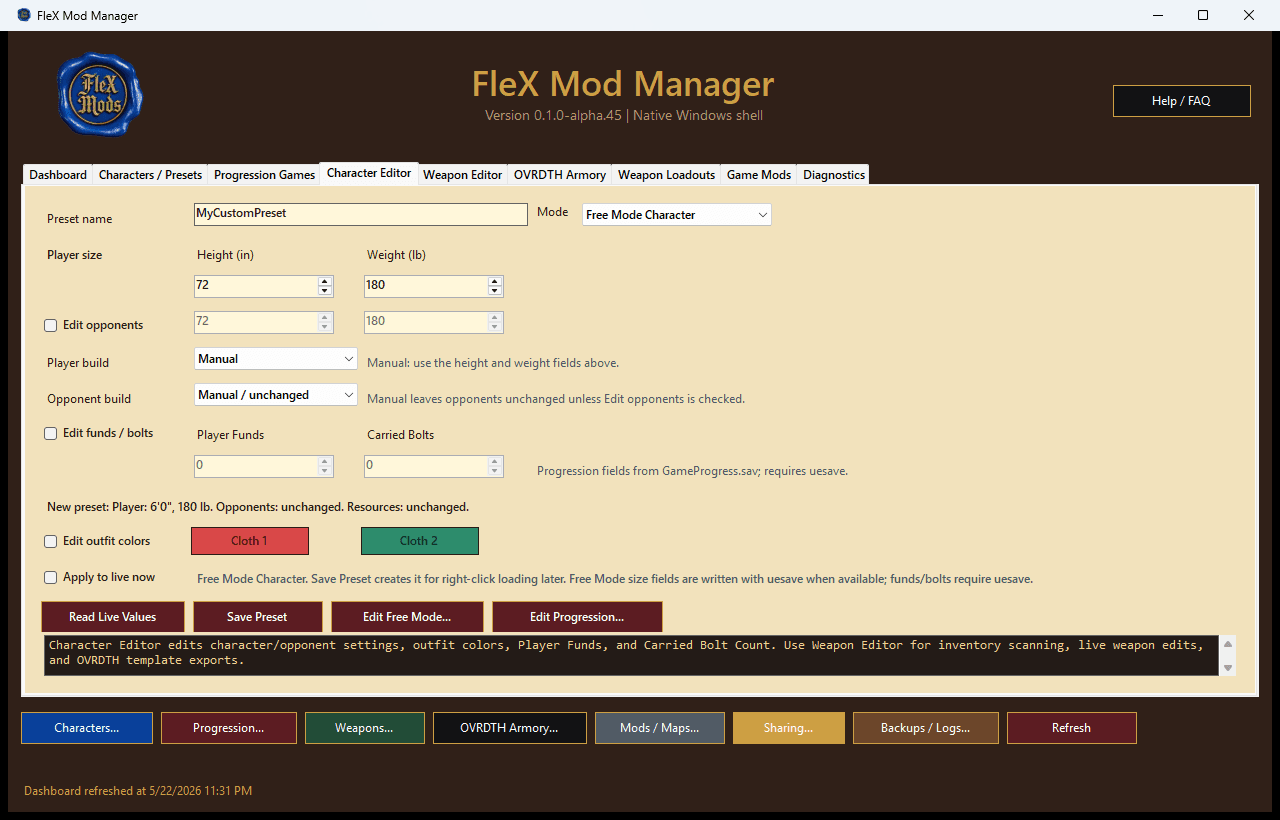
Download the current public beta, set your Half Sword paths, and let Flex command your saves, character edits, weapons, OVRDTH Armory templates, backups, and diagnostics — no hand-editing required.
Start here
Current release: FleX Mod Manager v0.1.0-alpha.20, published May 22, 2026.
Main workflows
Flex is unofficial. It was built for players who want practical control over their own local Half Sword files without hand-editing every save, loadout, or package path.
Load character presets, capture progression saves, and edit character values with backups.
Edit scanned weapons, import OVRDTH-style templates, and apply selected weapons through Armory.
Make restore points, inspect logs, and create support bundles when something looks wrong.
Need details?